Den

CASE STUDY 01

HoopLandHelper

Watches a phone basketball game's shot meter on a live screen feed and releases each shot on the green.

PYTHON · OPENCV · ADBPHONE + PCSOURCE ON GITHUB  (opens in new tab)

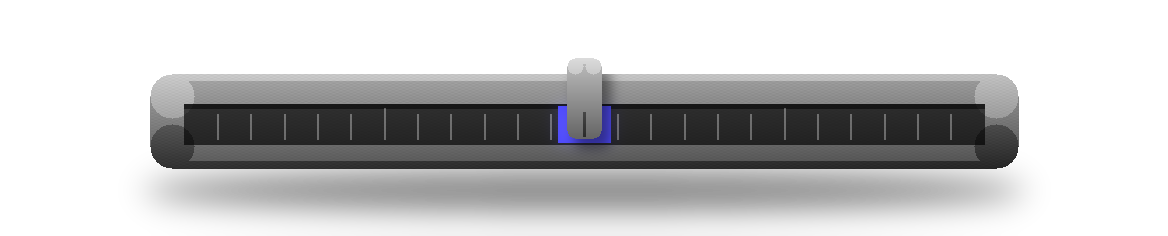
Machined linear gauge with a slider parked on the ultramarine sweet spot
OBJECT · THE SHOT METER AS A GAUGE
RECONSTRUCTION · BUILT FROM REAL GAME FRAMES
demo.mp4 — plays inline, muted and looped. It is a reconstruction built from real captured game frames and the tool's real constants; only the cursor's in-between positions are interpolated. Not a raw screen recording.

THE PROJECT

WHAT IT DOES

Watches a phone basketball game's shot meter on a live screen feed and releases each shot on the green.

WHY I BUILT IT

The green release window is too tight to hit by hand every time, so I let software time the tap.

HOW IT WORKS

PHONE → PC → PHONE

The phone only hardware-encodes its screen and receives touches. Everything in between runs on the PC.

  1. 01PHONEScreen record

    adb screenrecord streams H.264 from the phone's hardware encoder.

  2. 02PCDecode

    PyAV turns the stream back into raw frames.

  3. 03PCScan the bar row

    OpenCV finds the sweeping cursor and the green zone in the meter.

  4. 04PCSchedule the release

    A frame-clock PLL, a clock bridge from encoder timestamps to PC time, linear cursor prediction and an adaptive latency term decide the exact frame to fire.

  5. 05PCBuild the touch

    The release is written as evdev touch events.

  6. 06PHONETap

    A persistent root shell on the phone injects the touch.

THE ENGINEERING

01

Releasing on the right frame

Seeing the meter is the easy part. The shot has to fire on the correct frame despite capture latency, touch latency and frame jitter. The scheduler maps the phone encoder's timestamps onto the PC's clock, predicts where the cursor will be, and fires early by the measured latency so the cursor coasts onto the green.

02

Moving the hot loop off the phone

It started as an on-phone Android app in Kotlin. Capture, analysis and timing on the device thermally throttled it and corrupted its own timing, so the loop moved to the PC. The phone now only encodes its screen and receives touches.

03

Testable by design

The original app's core logic sits behind functional interfaces, so it runs as plain JVM unit tests with no emulator. The Python shooter ships device-free self-checks that exercise the timing logic with no phone attached.
STACK

PYTHON

Reads the phone's H.264 screen stream and runs the release scheduler.

OPENCV

Finds the cursor and the green zone in the meter's bar row.

ADB

Carries both the screen capture and the injected touch to the phone.